AI agents vs chatbots: what’s actually different
A chatbot responds to a prompt and stops. An AI agent plans a goal, uses tools to carry it out, checks the result, and keeps going until the task is done. The dividing line is autonomy.
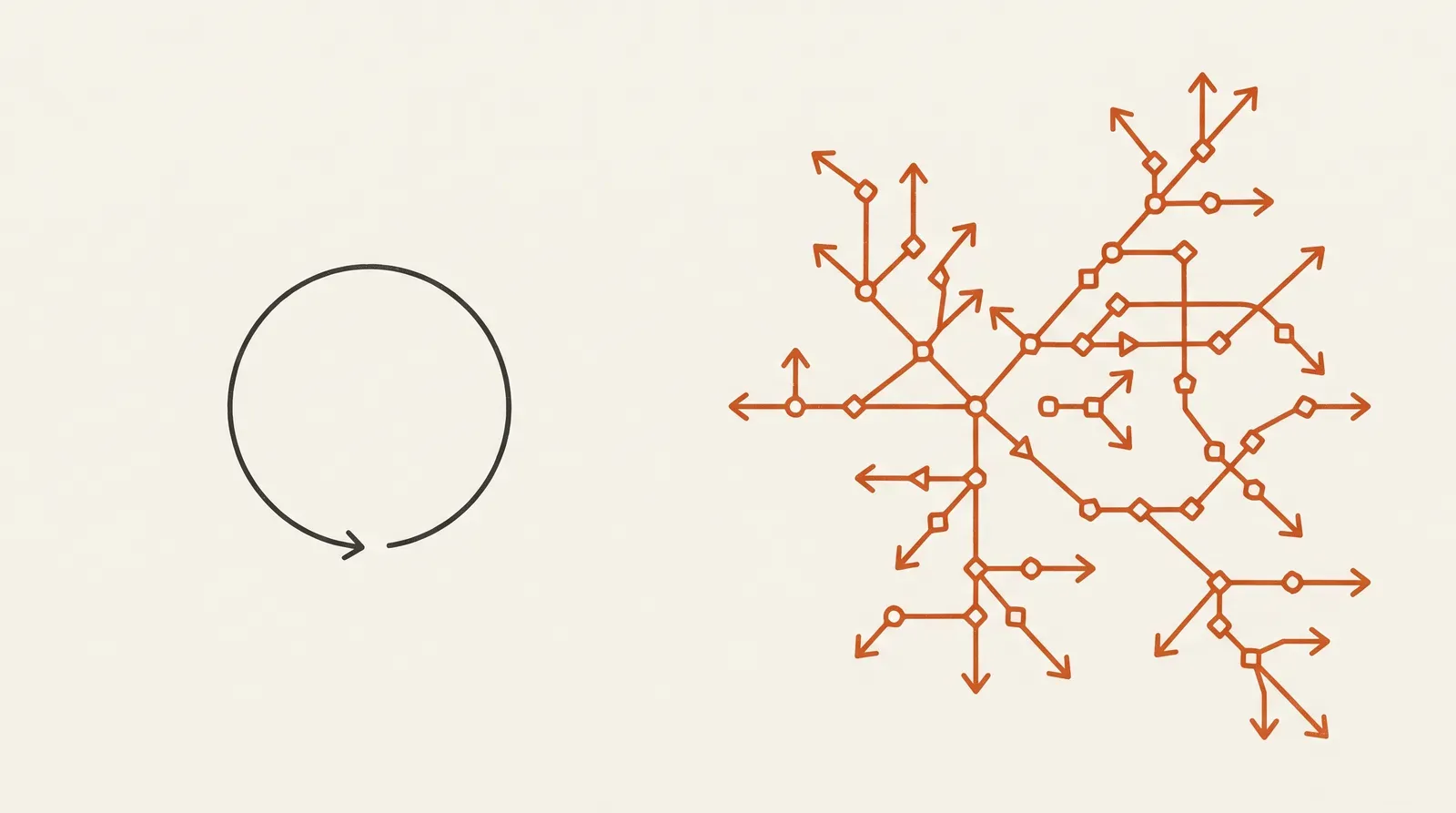
The difference between an AI agent and a chatbot is autonomy. A chatbot responds — it takes a prompt, answers from a script or a knowledge base, and stops. An AI agent acts — it plans a multi-step goal, calls tools and systems to carry it out, checks the result of each step, and decides what to do next until the task is finished.
The two get lumped together because they both talk to you in natural language. But under the hood they are different kinds of software, suited to different jobs. Confusing them is how teams either over-build a glorified FAQ or under-build something that needed to actually do the work. Here is the real distinction.
What a chatbot actually is
A chatbot is a conversational interface over a fixed set of responses. Classic chatbots follow rules and decision trees; modern ones use an LLM, often with retrieval, to answer from a knowledge base. Either way the shape is the same: it is reactive. You send a message, it returns a reply, and the interaction ends there. It does not take actions in other systems, and most chatbots keep little or no memory between turns.
That is not a weakness — it is a fit. For answering questions, deflecting support tickets, surfacing documentation, or guiding someone through a scripted flow, a chatbot is the right, cheap, reliable tool. The job is "give a good answer," and it does exactly that.
What an AI agent actually is
An AI agent is goal-driven rather than prompt-driven. You give it an objective, and it works toward that objective on its own, looping through four stages:
- Perceive — read the request and the current state of its environment.
- Plan — break the goal into steps and decide what to do first.
- Act — execute a step, usually by calling a tool.
- Reflect — check the result, then adjust and continue, or stop if the goal is met.
Three building blocks make that loop possible:
- Tools — the external capabilities the agent can invoke: an email or calendar API, a web search, a database or vector store, a code interpreter, an internal system. Tools are how an agent does things instead of just describing them.
- Memory — short-term working memory to hold context within a task, and long-term memory to recall information across sessions.
- Planning — the ability to decompose a goal into ordered steps and re-plan when something changes.
When people say "agentic," this is what they mean: software that decides and acts toward a goal, not software that waits for the next prompt.
What the loop looks like on a real task
Abstract definitions only get you so far, so here is the loop on a concrete job: "A customer emailed asking to change their delivery address on order #4821."
- Perceive — the agent reads the email and extracts the intent (change address), the order number, and the new address.
- Plan — it decides the steps: look up the order, check whether it has already shipped, update the address if it hasn't, and reply to the customer.
- Act — it calls the order-system API to fetch order #4821. The order has not shipped, so it calls the update-address tool, then drafts a confirmation.
- Reflect — it checks the API's response to confirm the update actually saved. It did, so the agent sends the confirmation and marks the task complete. If the order had already shipped, it would re-plan — flag the request to a human instead of forcing an invalid change.
A chatbot asked the same question would, at best, explain how to change an address and stop. The agent changed it. That gap — explaining a task versus completing one — is the whole distinction in a single example.
The core difference, side by side
| Chatbot | AI agent | |
|---|---|---|
| Driven by | The current prompt | A goal |
| Behavior | Reactive — answer and stop | Proactive — plan, act, repeat |
| Memory | Little or none between turns | Working + long-term memory |
| Tools / actions | None (or one lookup) | Calls many tools, takes real actions |
| Failure mode | A wrong or "I don't know" answer | A wrong action in a real system |
| Best for | Questions, FAQs, scripted flows | Multi-step tasks across systems |
The most important row is the second-to-last. A chatbot's worst case is a bad answer. An agent's worst case is a bad action — a wrong order placed, a wrong record updated — which is exactly why agents demand more engineering to ship safely.
When a chatbot is the right call
Reach for a chatbot when the job is bounded and the output is an answer: customer support deflection, internal knowledge lookup, product Q&A, lead qualification, scripted onboarding. If "respond well and stop" covers the need, an agent is over-engineering — more cost, more risk, more to monitor, for no benefit. Most "AI assistant" needs are genuinely chatbot-shaped.
When you actually need an agent
Reach for an agent when answering isn't enough and the work spans multiple steps or systems: reconcile an invoice and sync it to accounting; place and track an order end-to-end; triage a support ticket, pull the relevant data, take the fix, and confirm it; research across sources and produce a result. The test is simple — if the user really wants a task done, not a question answered, you are in agent territory.
Where the line blurs
The split is a spectrum, not a wall, and most real products live somewhere in the middle:
- A chatbot with one tool. A support bot that can look up an order status is technically taking an action, but it still answers and stops. It is a chatbot with a single read-only capability — not an agent, because it never plans or chains steps.
- An agent with a chat front-end. Many agents wear a conversational interface, so users experience them as chatbots. The chat window is just the doorway; the autonomy behind it is what makes it an agent.
- "Copilots." Assistants that suggest an action but wait for you to approve it sit deliberately between the two — agent-like planning, chatbot-like restraint, with a human as the final step.
The label matters less than the question: does this system plan and take multi-step action toward a goal, or does it respond and stop? Answer that and you know what you are building, whatever you call it.
A quick way to decide
Run your use case through five questions:
- Does the user want a task completed, or a question answered? (Task → agent.)
- Does it take more than one step across more than one system? (Yes → agent.)
- Would a wrong response change real data or state? (Yes → you need the guardrails of an agent build.)
- Is the workflow bounded and scriptable? (Yes → a chatbot is probably enough.)
- Do you need it fast, cheap, and low-risk above all? (Yes → start with a chatbot; add agency only if you outgrow it.)
When in doubt, start with the simpler tool. It is far cheaper to upgrade a chatbot into an agent once you have proven the need than to operate — and secure — an autonomous system you did not require.
Why agents are harder to ship
Autonomy is the whole value of an agent, and also its whole risk. Because an agent takes actions, "it works on my machine" is not enough — you need to know what it did and why. That is why production agents are deliberately bounded: limited to a vetted set of tools, with a human in the loop on any step that carries real consequences. In practice, many production agents run only a handful of steps before a human checkpoint, by design. Observability (tracing the agent's decisions, not just its tokens), guardrails, and clear stopping conditions are not extras — they are what make an agent trustworthy enough to run.
This is the part teams underestimate. The demo, where an agent strings together a few tool calls, is the easy 20%. Making it safe, observable, and reliable on real inputs is the rest — and it is why we put a senior engineer in charge of every agent we build, accountable for each action that carries risk. If you are weighing an agent build, our work on conversational and multi-agent systems goes deeper on how we bound them for production. And because most agents lean on retrieval to stay grounded, it is worth understanding what RAG is and how it works before you build one.

Written by
ByteTuned Editorial Team
Senior engineers writing about building and running production AI.
Keep reading
What is RAG (retrieval-augmented generation), and how does it work?
RAG makes an LLM answer from your data instead of only its training. Before the model writes, a retrieval step finds the most relevant passages and adds them to the prompt — so the answer is grounded in real, current facts.
RAG vs fine-tuning: which one does your problem need?
Use RAG when the problem is missing knowledge — facts that change or that the model never saw. Use fine-tuning when the problem is behavior — a tone, format, or decision pattern. They solve different problems, and the best systems use both.

Why most AI pilots never reach production
Almost every company is running AI pilots. Very few have put one into production. The gap is not the model — it is everything around it.
Building production AI? Let’s talk.
Book a 30-minute call. We’ll map the highest-impact system to build first — and what moving that number is worth.